
192.168.1.1 is a private IP address used for modem setup and configuration. How to access the 192.168.1.1 modem interface? What are the modem interface passwords? You can find answers to these questions in our article.
What can you do in the modem interface?
- Set up the modem.
- Change the modem WiFi name and password.
- View devices connected to the modem.
- Secure the modem.
- Restart the modem.
- And many more operations.
What is needed to access the 192.168.1.1 modem interface?
- A working modem
- A computer, mobile phone, or tablet to connect to the modem
- Modem WiFi password information
- If you don’t know the WiFi password, an ethernet cable and a computer
If your modem IP address is 192.168.1.1, you can access your modem’s settings page by following the steps below.
How to Access the 192.168.1.1 Modem Interface?
Tip: The prerequisite for accessing the modem interface is being connected to the modem via WiFi or an ethernet cable. Do not proceed to the next step without meeting this condition!
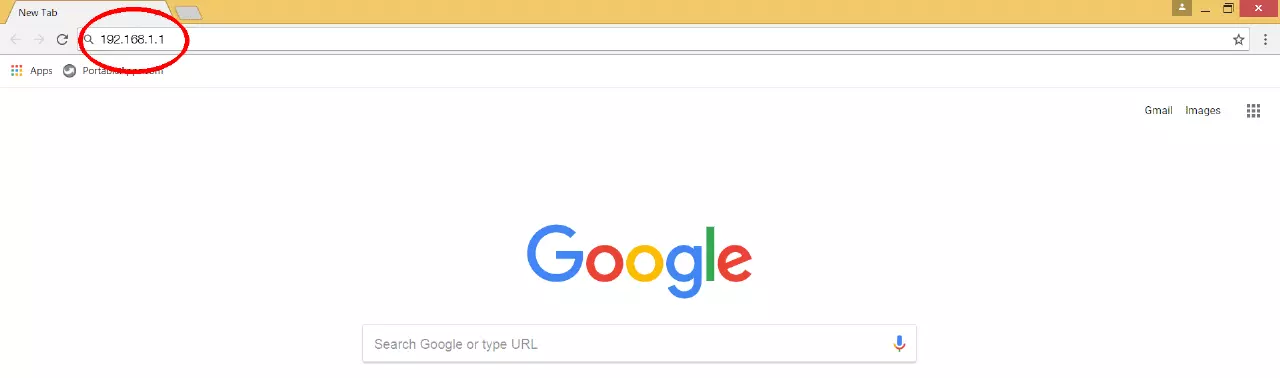
To access the modem interface, type 192.168.1.1 in your browser’s address bar as shown in the image below and press Enter.
On the opened page, you will need the modem username and password information.
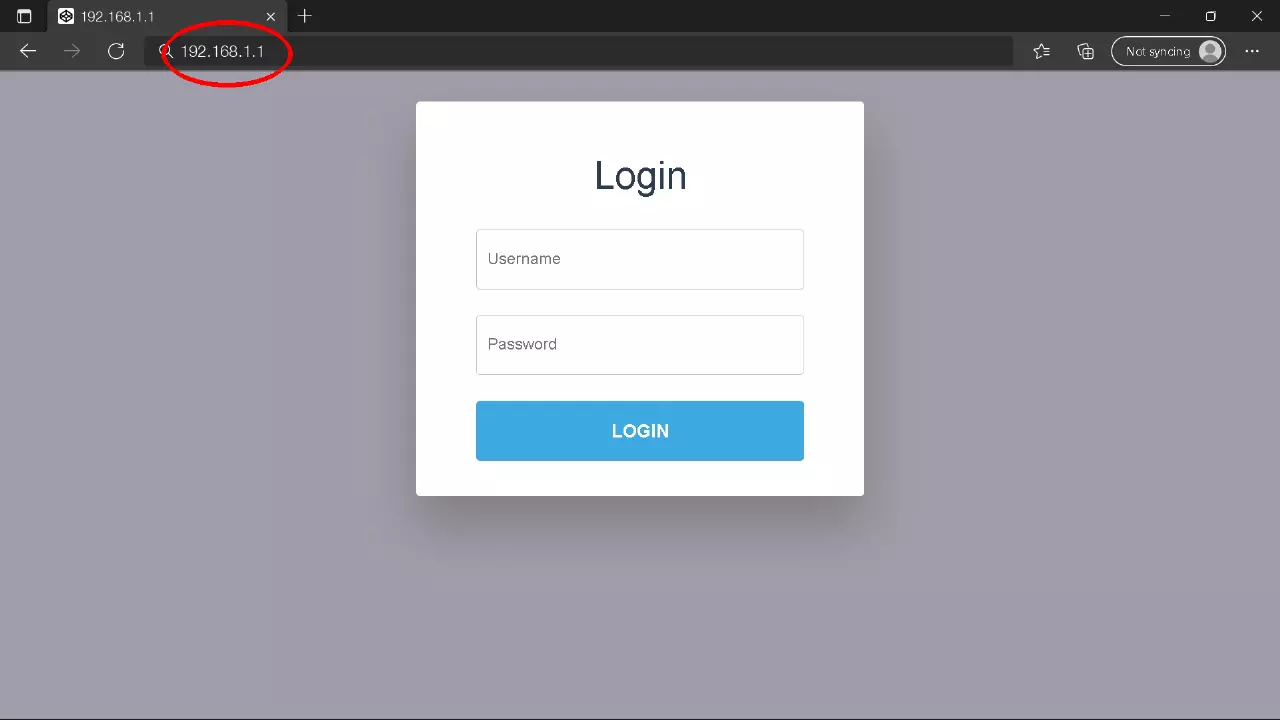
If you haven’t changed your password before, this information is written on the label under your modem or in the modem user manual if available. If there is no label under your modem and you cannot find the user manual, you should check out our “192.168.1.1 Most Commonly Used Modem Passwords” list.
192.168.1.1 Most Commonly Used Modem Passwords
For the 192.168.1.1 password information to be compatible, you must not have changed your interface password before. If you say, “I changed my password but I don’t remember it now,” you should check out our Modem Reset article.
| 192.168.1.1 Modem Interface Passwords | ||
|---|---|---|
| IP Address | Username | Password |
| 192.168.1.1 | admin
Leave Blank admin Leave Blank admin admin admin admin |
admin
Leave Blank Leave Blank admin password turktelekom ttnet superonline |
I Can’t Access the 192.168.1.1 Modem Interface
1st Possibility
The address bar of internet browsers (Google Chrome, Firefox, Opera) is also used by search engines (Google, Yandex, Bing). When you type 192.168 to access the modem interface, it suggests IP addresses as shown below. This takes you to the Google search results page instead of the interface page.
You need to type the correct IP address without paying attention to the following typing errors and the search engine’s suggestion.
Correct Spelling;
Incorrect Spelling;
2nd Possibility
192.168.1.1 may not be your modem’s interface login IP address. For this, we recommend checking the label under your modem or the modem user manual if available. If neither is available, you can follow the steps below to find out your default modem IP address.
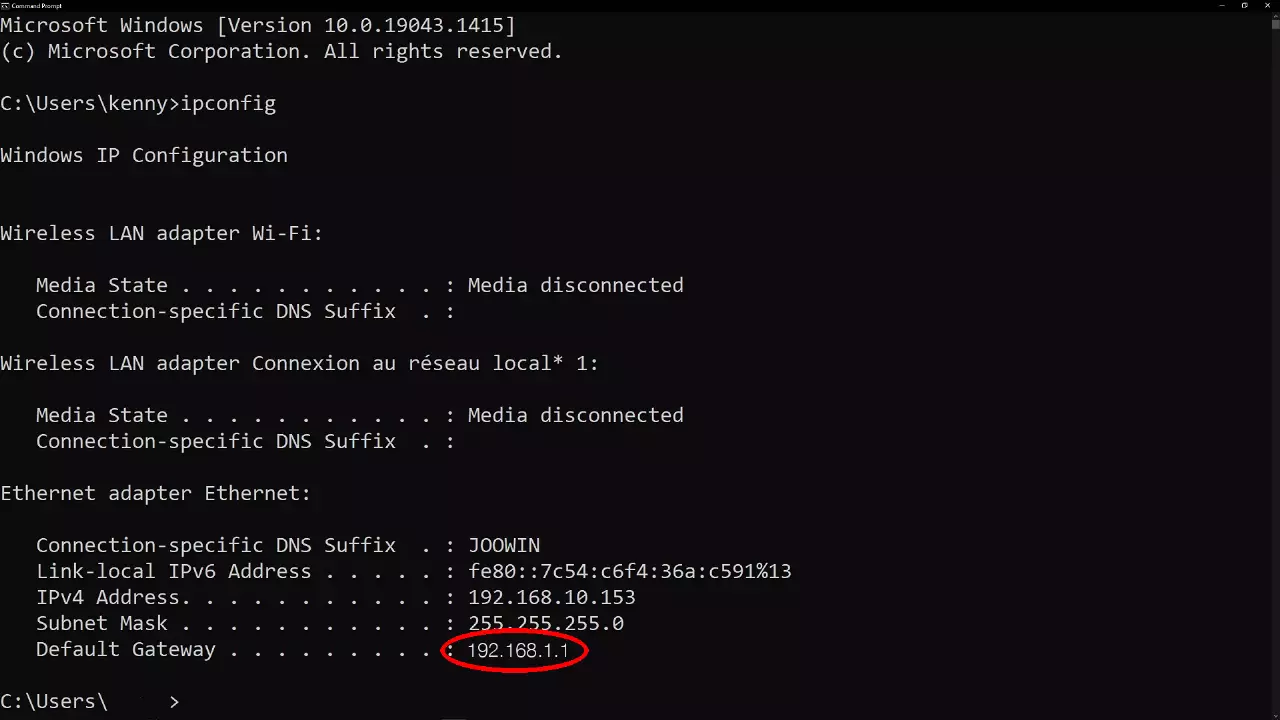
On a Windows computer; type “cmd” in the search bar and click on “Command Prompt“. Now type “ipconfig” and press enter. The IP address next to “Default Gateway” is your modem’s interface login IP address. In the example image below;
Default Gateway . . . . . : 192.168.1.1 is the IP address.
Default Gateway . . . . . : 192.168.1.1 is the IP address.
On a MacBook; type “route -n get default” in the Terminal. The IP address next to Gateway is your modem’s interface login IP address.
Detailed Explanation >> Modem Interface Access Problem Solution